Time-Freeze Sports Bar
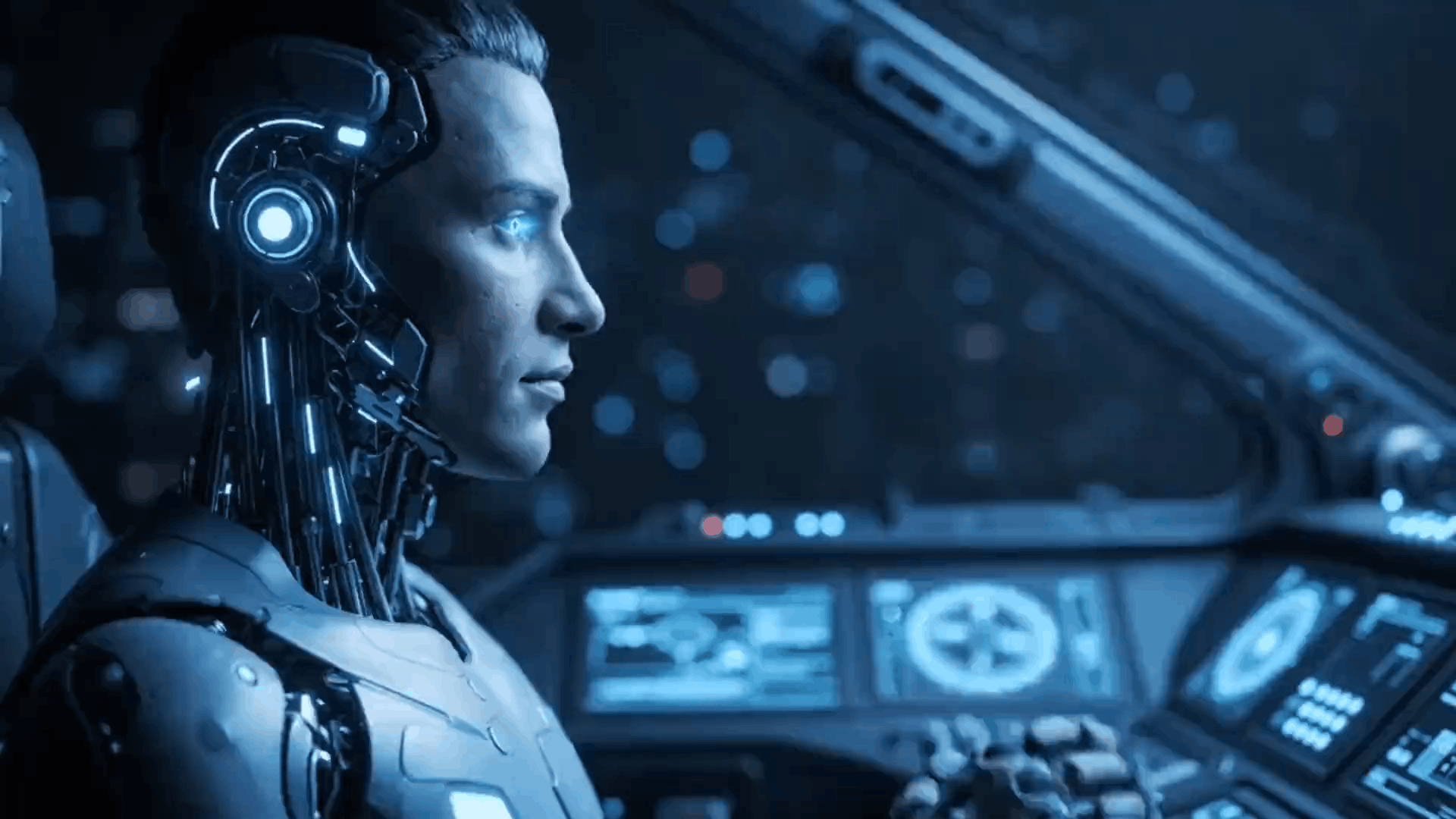
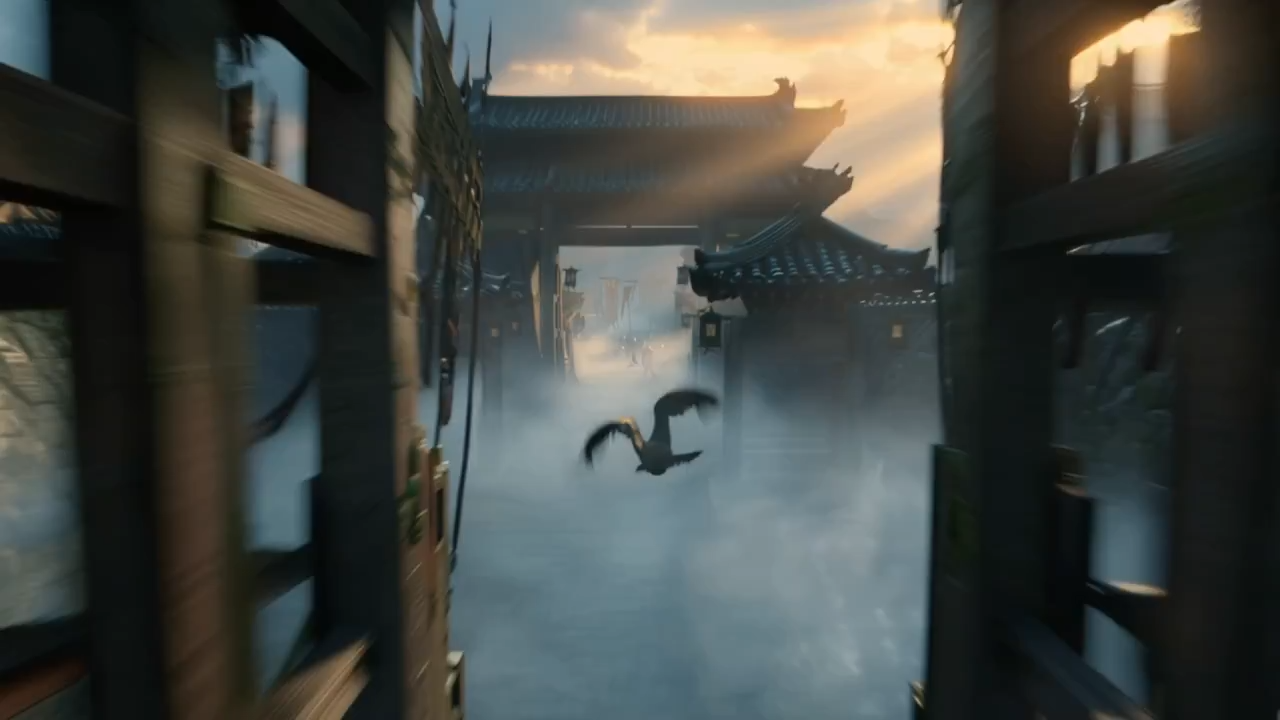
A text-to-video scene with neon bar lighting, suspended motion, and a snap-triggered return to full celebration.
Use China Video AI to create text-to-video and image-to-video with Seedance 2, Kling 3, and Wan 2.7—all in one account with visible credit costs.
Video Showcase
Explore product reveals, ad hooks, short stories, cinematic B-roll, and image-to-video motion examples created with Chinese AI video workflows before spending credits.

A text-to-video scene with neon bar lighting, suspended motion, and a snap-triggered return to full celebration.

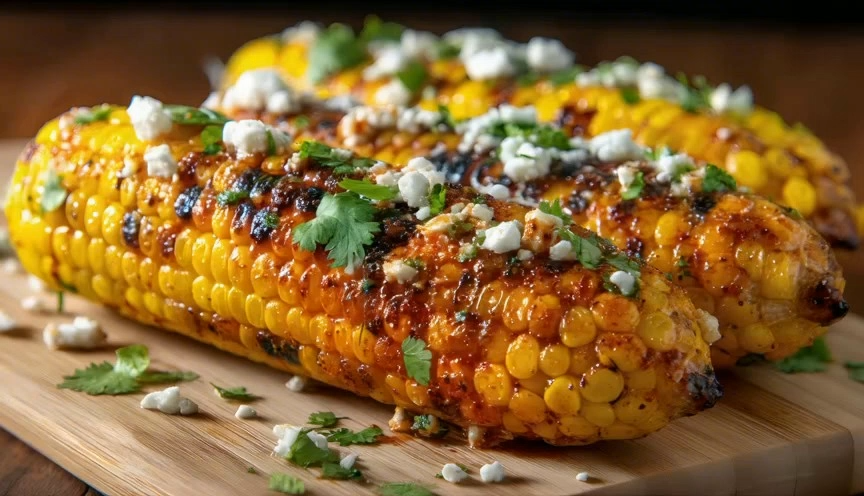
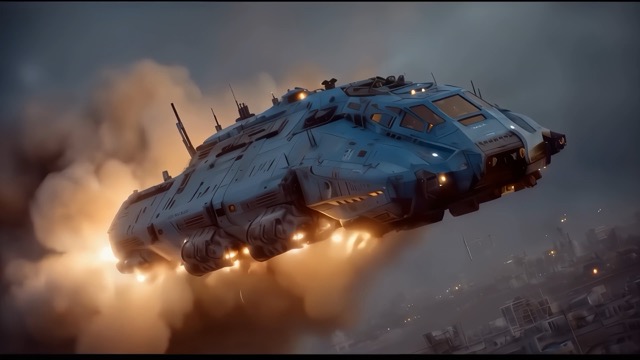
A product still becomes a polished AI video reveal with a camera push, glow, studio reflections, and commercial-ready motion.

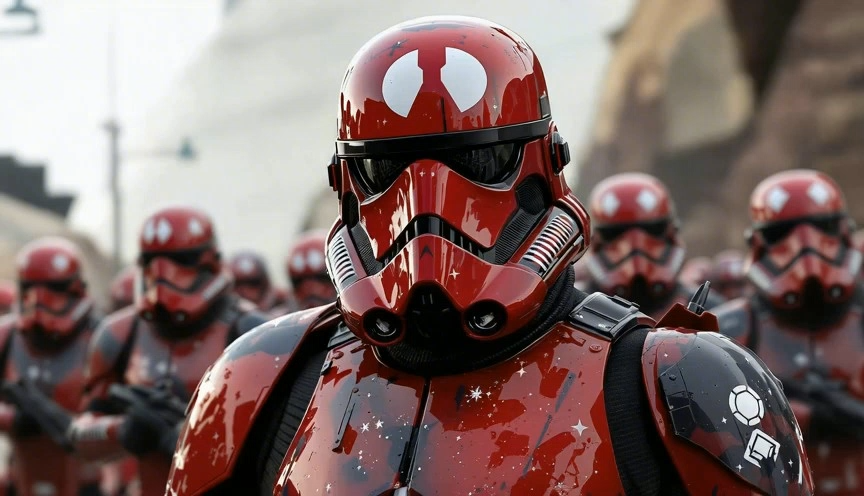
A lower-cost Chinese AI video concept with fast camera moves, playful effects, and a vertical cut ready for short-form channels.

A cinematic prompt where a daylight city scene freezes into silence, then restores motion with a reverse shockwave.

A surreal AI video reveal over historic architecture, built to demonstrate water, scale, and dramatic camera movement.

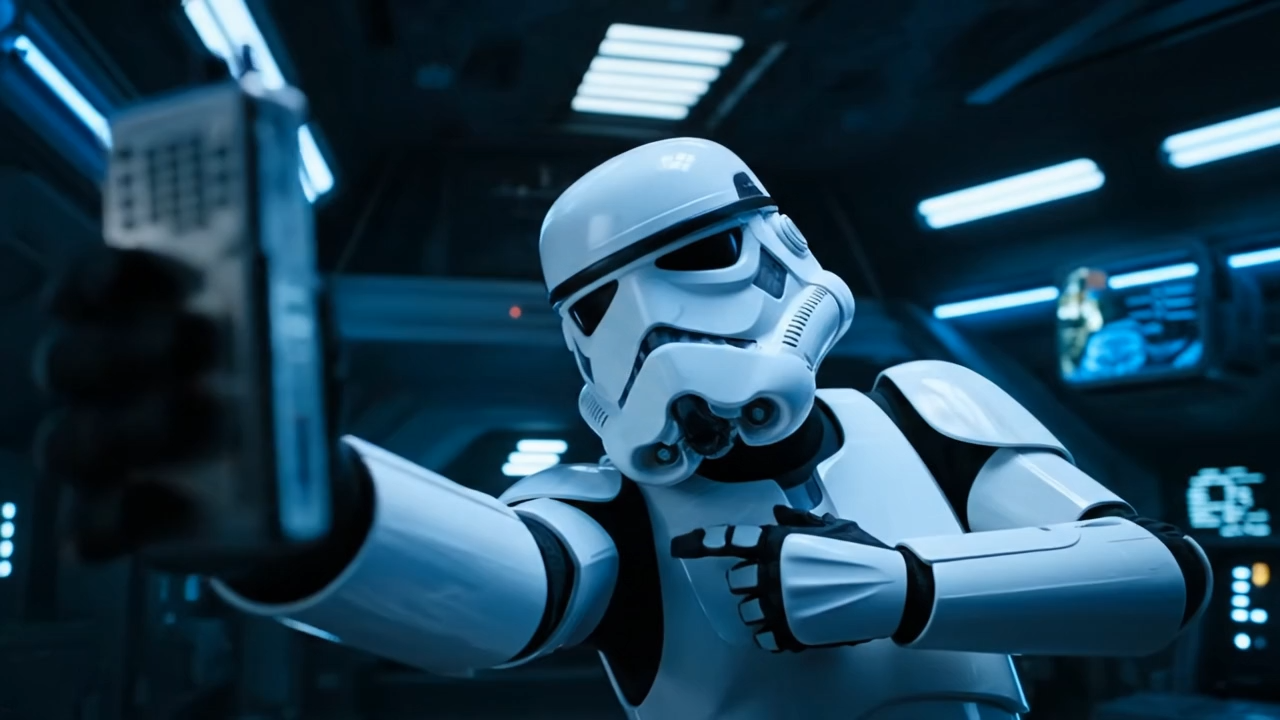
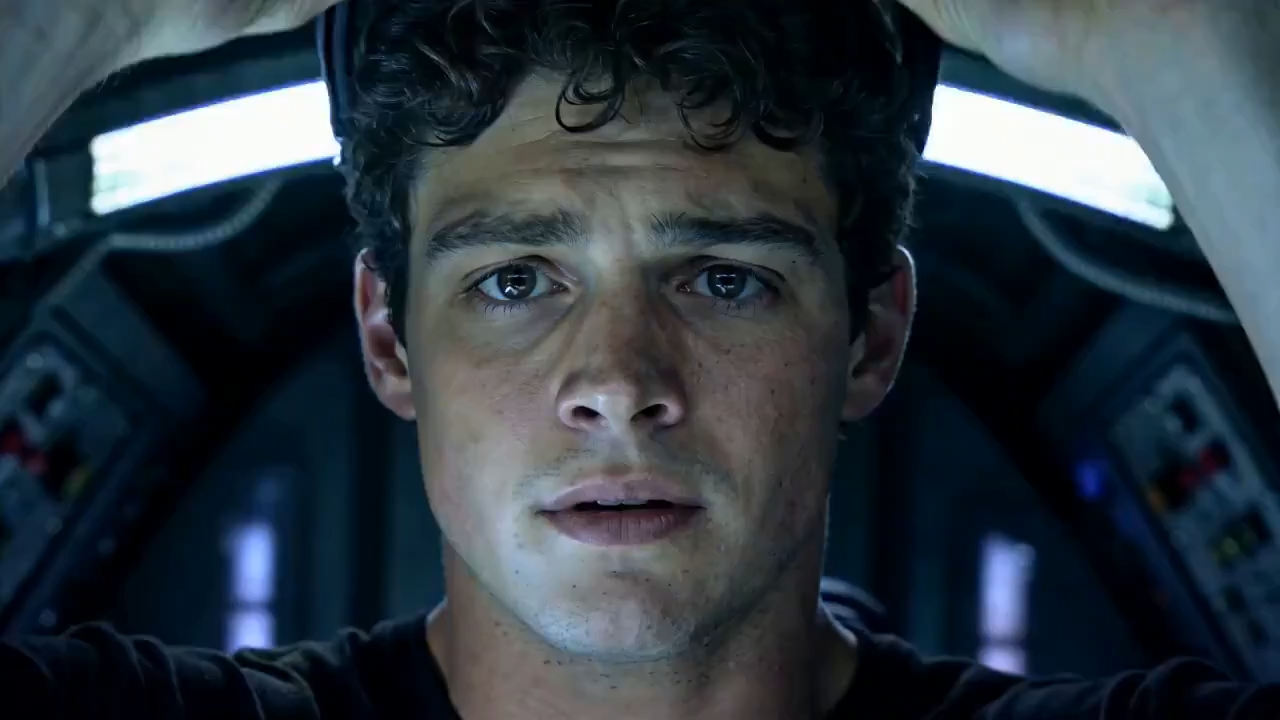
A story clip sequence with rapid cuts, close-ups, expressive lighting, and a creator-friendly narrative arc.
Chinese AI Video Models
Compare Seedance 2, Kling 3, and Wan 2.7 by creative fit before you generate. Every model stays inside one account with visible credit costs.
ByteDance video model
Best fit: cinematic scenes and multi-shot direction
Use Seedance when prompt structure, camera direction, and connected scene progression matter most.
Read the model guideKuaishou video model
Best fit: expressive motion and character action
Choose Kling for movement-heavy scenes, character animation, and controlled image-to-video experiments.
Read the model guideAlibaba video model
Best fit: efficient drafts and repeatable iteration
Use Wan when you want a practical balance of generation cost, prompt iteration, and creator-ready output options.
Read the model guide| Comparison | Seedance 2 | Kling 3 | Wan 2.7 |
|---|---|---|---|
| Choose it for | Story-led clips and directed camera work | Character motion and action-focused clips | Fast drafts and cost-aware iteration |
| Starting input | Text and image references | Text and image references | Text and image references |
| Typical workflow | Ads, cinematic concepts, story sequences | Social clips, characters, product motion | Concept tests, content batches, variations |
Capabilities, durations, and output options vary by model version and selected generation mode.
Creation workflow
Move from prompt or reference image to a downloadable clip while keeping Seedance, Kling, Wan, output settings, credit estimates, and results together.

Write a prompt, choose Seedance, Kling, or Wan, and generate a staged clip with motion, camera, and lighting guidance.

Use a reference image to keep the product, person, room, or art direction recognizable while adding camera movement and scene motion.

Credit-based rendering keeps experiments affordable, from free trials and quick drafts to polished campaign-ready MP4 clips.

See format, length, resolution, and credit usage before generation so teams can plan reliable image-to-video production.
What You Get Today
A practical online AI video workspace for photo animation, prompt control, MP4 export, short-form ratios, and repeatable campaign workflows.
Describe camera movement, lighting, mood, and scene changes to guide how your image becomes a video.
Animate a still image with AI while keeping the subject, composition, product details, and visual style consistent.
Draft quickly, then move up to higher-quality outputs for publishable assets.
Available short-form durations for ads, hooks, concepts, and explainers vary by the selected Chinese video model.
Landscape, vertical, square, and classic frame options for every channel.
Download generated AI videos as MP4 files for ads, product pages, launch campaigns, and social channels.
Use Cases
Use Chinese AI video models for launches, ads, explainers, promos, and creator stories that need fast visual iteration without a shoot.
Turn a product feature into a cinematic hook with the Chinese AI model that best fits the shot.
Generate multiple ad openings across Chinese models, test winners, and refine the best one.
Show product workflows with short AI video sequences people remember.
Reuse prompt structures and reference images to keep campaigns visually coherent.
Refresh product visuals for new campaigns without booking another shoot.
Draft narrative clips that feel human-led and move at creator speed.
Start with credits for quick image-to-video tests, choose monthly plans for ongoing creation, or use annual plans for the lowest long-term AI video cost.
Cancel anytime • Unused credits roll over
Payments are encrypted and securely processed by Stripe or PayPal. Wallet availability depends on device and region.
* Alipay and WeChat Pay are available for eligible one-time CNY monthly, yearly, and credit-pack orders.
FAQs
Practical answers about Chinese AI video models, text-to-video, image-to-video, free credits, commercial workflows, and generation time.
China Video AI is a browser-based China video AI generator. As a China Video AI app, it brings Chinese video AI models such as Seedance, Kling, and Wan into one workflow; the China Video AI tool covers model selection, prompting, and generation.
The generator currently shows Seedance 2, Kling 3, and Wan 2.7 for supported text-to-video and image-to-video modes. Available versions and settings can change over time.
Use image-to-video when a product, person, subject, or composition should stay close to a reference. Use text-to-video when you want to explore a new scene from a written prompt.
Describe the subject, action, camera move, lighting, mood, and timing. For reference-led work, also state what must stay consistent, such as identity, logo, material, color, or framing.
New users can claim the starter credits currently shown on the page and try supported generation modes. The credit estimate for each model, duration, and quality setting appears before submission.
Paid generations are designed for ads, product pages, social posts, and client projects. Use your own or licensed source assets and review the final output before publishing.
Start with the shot: Seedance for directed story progression, Kling for expressive motion, and Wan for cost-aware drafts and variations. Run a small test before a larger batch.
Most short clips complete within a few minutes, depending on the model, queue, duration, and quality. A short draft is the fastest way to validate a prompt.
Choose Seedance 2, Kling 3, or Wan 2.7, add a prompt or reference image, review the credit estimate, and generate in one workflow.